.png)
What PerfectPixel does, and what it doesn’t
PerfectPixel overlays a design image on a live web page so you can see, pixel by pixel, where the build and the design disagree.
It’s a manual check in the browser: it works from an image, not the design file, and it doesn’t run in CI.
What it does
You load a design three ways: drop an image file on the panel (or pick one with “Upload”), click “Paste” for an image on the clipboard, or enter an image URL. A Figma frame copied with “Copy as PNG” pastes straight in.
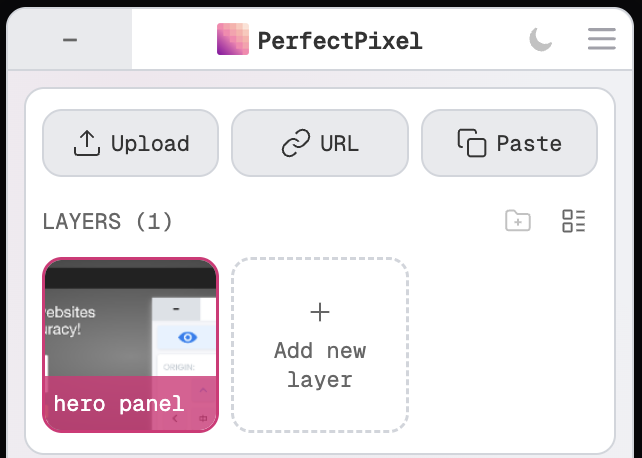
Once the design is on the page:
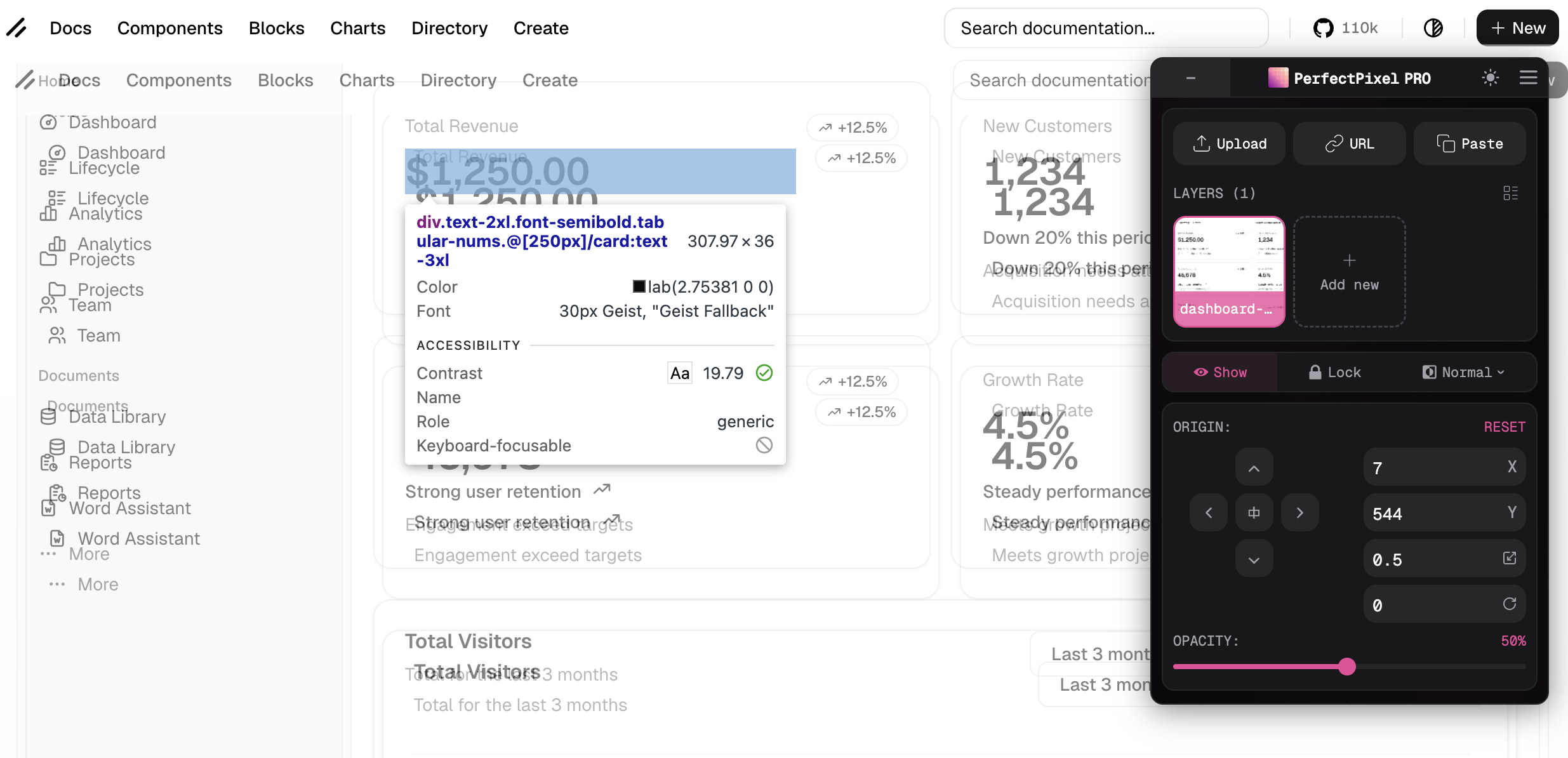
- Position. With the mouse, then the arrow keys for 1px and Shift+arrows for 10px.
- Opacity. Fade between design and page with the mousewheel over the overlay.
- Blend modes. “Difference” at 100% opacity turns matching pixels black. “Invert” at 50% opacity turns them flat gray, for dark pages. “Multiply” and “Overlay” are for color checks.
- Click-through. Press “Lock” and clicks pass through to the page: DevTools inspection and live CSS edits with the design still visible.
- Saved per domain. Across reloads and tabs.
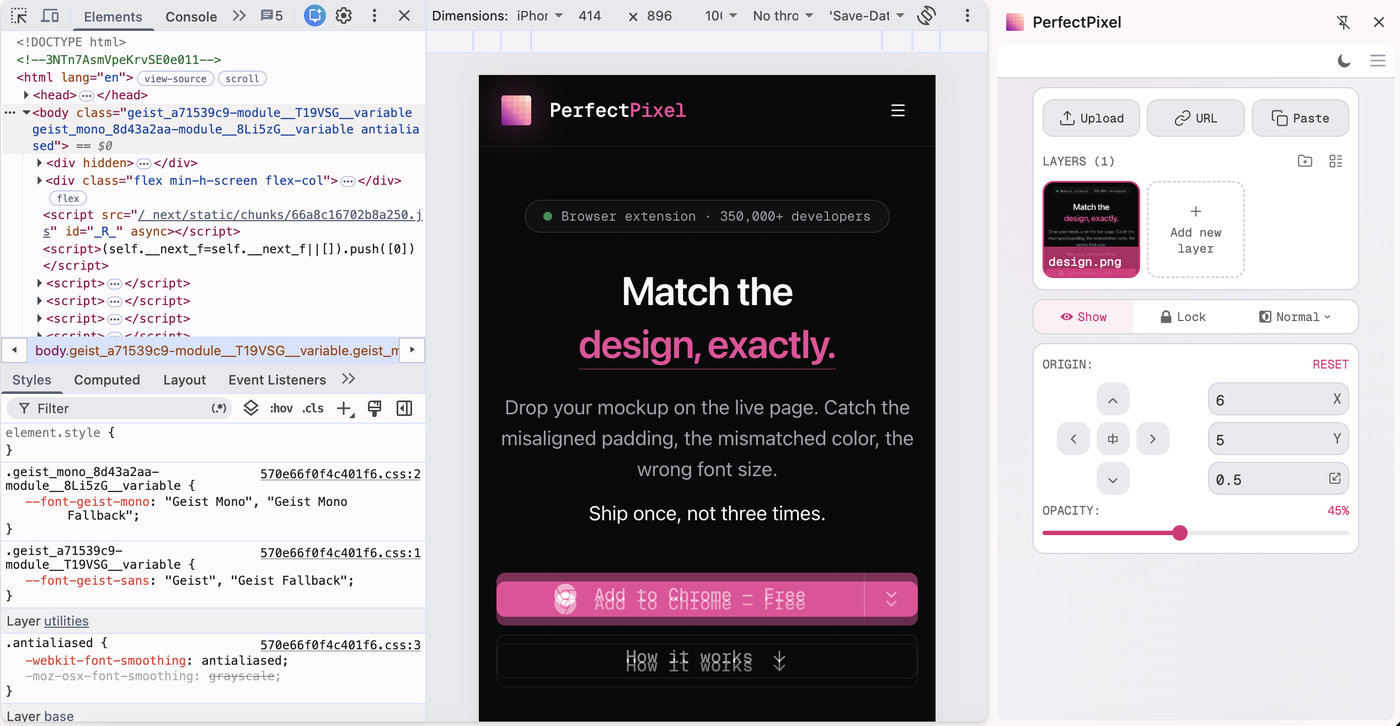
- Side panel. In DevTools device mode, open the panel menu (☰) and pick “Open in side panel”: the panel moves beside the page and stops taking width from the emulated viewport.
It runs on Chrome, Edge, and Firefox.
What it doesn’t do
- CI. It doesn’t run there, store baselines, or fail a build.
- Rulers, grids, measurements. None. The mismatch is shown, not measured: no numbers, no report.
When it’s the right tool
- Implementing a design. The mockup on top of the page you’re building.
- A human check on AI-written code. The page Cursor, Codex, or Claude built, under the mockup it was given.
- Reviewing a pull request. The branch against the approved design, before it merges.
- QA before release. Signing off a screen against the spec, on staging or production.
- A designer checking the build. Their design over what shipped.
It works on any page the browser can open: localhost, staging, production.
Start here
Q&A
What does PerfectPixel do?
PerfectPixel is a browser extension that overlays a design image on a live web page. Opacity and blend modes show every pixel where the build and the design disagree.
How do you get a design into PerfectPixel?
Drop an image file on the panel, click “Paste” for an image on the clipboard, or enter an image URL. A Figma frame copied with “Copy as PNG” pastes straight in.
Does PerfectPixel integrate with Figma?
No. It works from an image of the design, not the Figma file, so it needs no Figma account, plugin, or token. It can’t read layer names, spacing values, or design tokens.
Does PerfectPixel run automated visual regression tests?
No. It doesn’t run in CI, capture baselines on a schedule, or fail a build.
Can I use PerfectPixel to check AI-generated code against a design?
Yes. Load the mockup the agent was given as an overlay on the page it built. Whatever Cursor, Codex, or Claude got wrong in spacing, type size, or color shows up in the overlay.
Try it on the page you have open
Free plan, no account needed. See what Pro adds.