.png)
How to overlay a Figma design on a live page
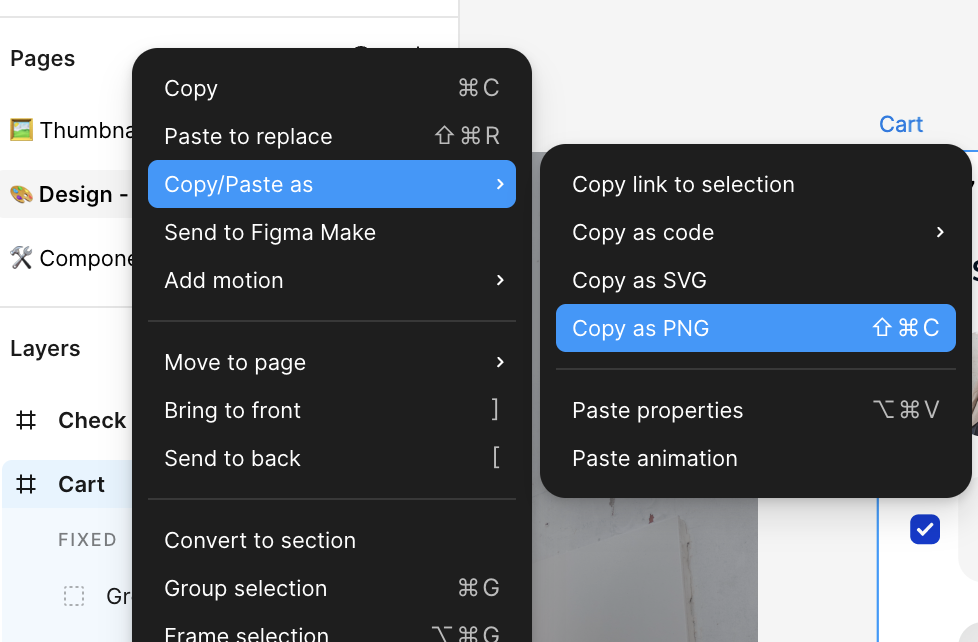
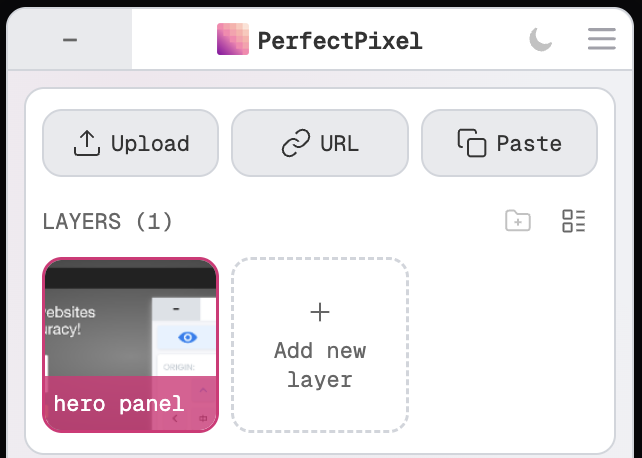
In Figma, select the frame and use “Copy as PNG” (Cmd+Shift+C on Mac, Ctrl+Shift+C on Windows). Open PerfectPixel on the page you’re building and click “Paste”.
The frame becomes an overlay on the real page. No file is exported.
Three ways to load a design
- “Paste” takes an image, or an image URL, from the clipboard.
- Drop an image file onto the panel, or click “Upload” and pick one.
- “URL” takes the address of a hosted image.
Line it up
- Drag the overlay over the matching part of the page.
- Nudge it with the arrow keys: 1px, or 10px with Shift+arrows.
- Fade between design and page with the mousewheel over the overlay.
- New layers scale to the screen’s pixel ratio. If the overlay loads at the wrong size, set “Scale” by hand: 0.5 for a 2x image.
Check the match
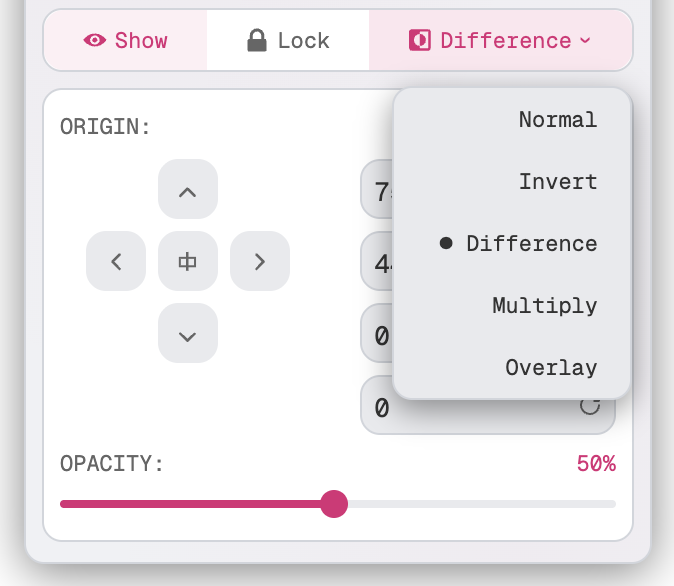
At half opacity a doubled edge is a misalignment. The “Difference” blend mode at 100% opacity is the exact check: matching pixels go black. On dark pages use “Invert” at 50% opacity: matching areas go flat gray. “Multiply” and “Overlay” are for color checks.
Fix it without losing the overlay
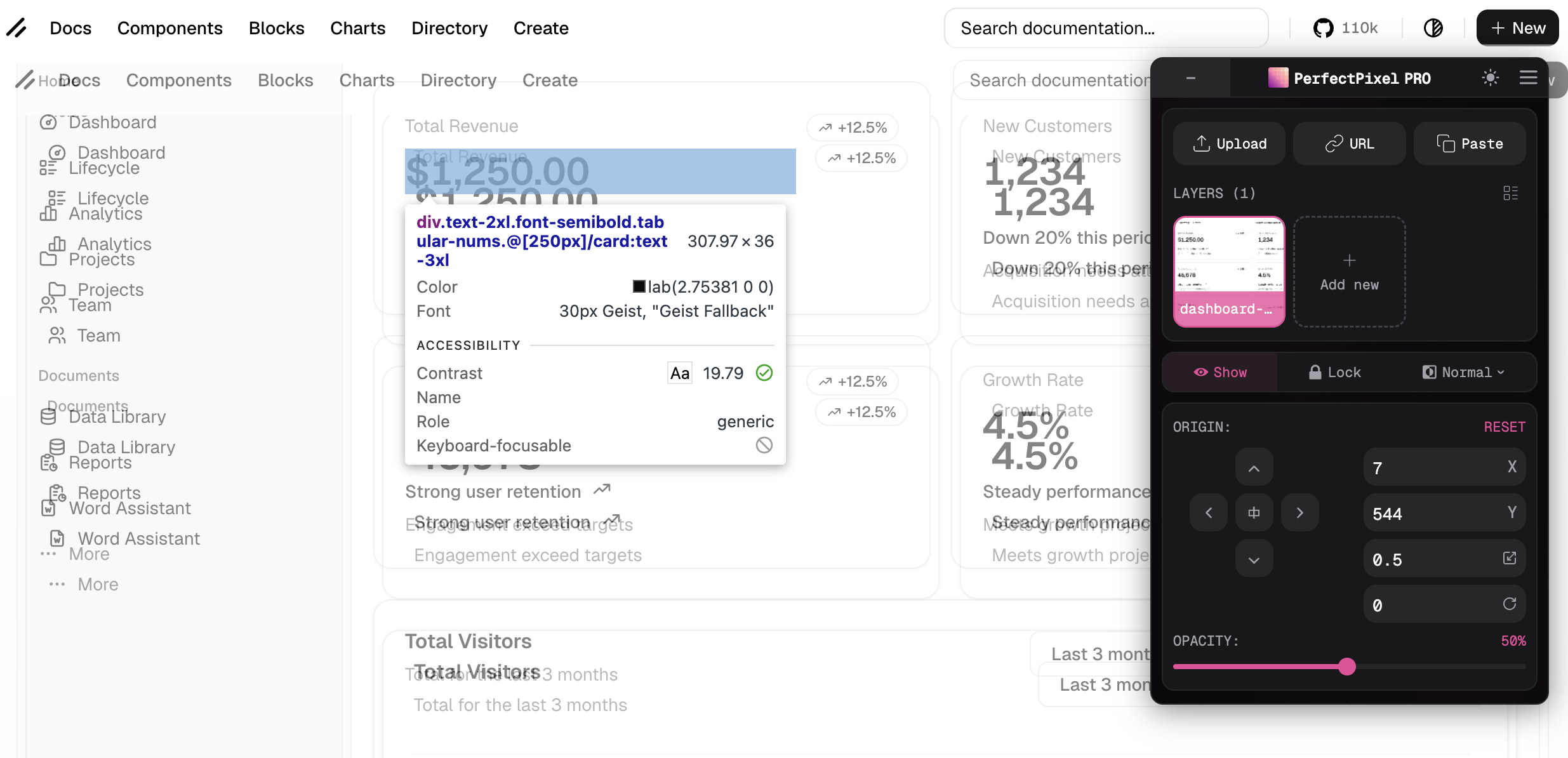
Press “Lock” and clicks go through to the page: inspect in DevTools and edit CSS with the design still on screen.
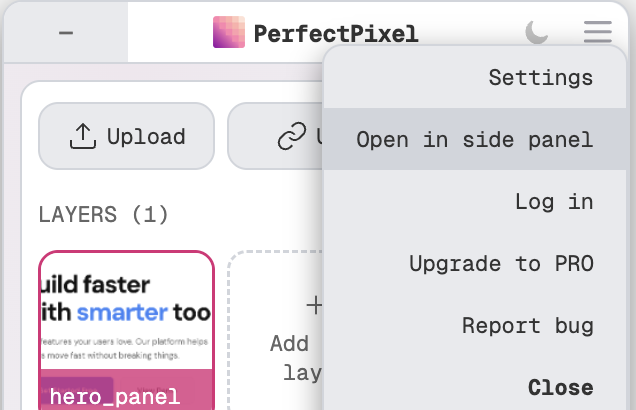
For a mobile frame in DevTools device mode, open the panel menu (☰) and pick “Open in side panel”. More in how to check a build against a mockup.
Overlays are saved per domain, across reloads and tabs. The free plan keeps 2 layers at a time per domain.
What this doesn’t do
PerfectPixel compares the page with an image of the design, not with the Figma file: it shows where they differ, not which value to change. See what PerfectPixel does and doesn’t do.
Q&A
Can I paste a Figma frame straight into PerfectPixel?
Yes. Select the frame in Figma, use “Copy as PNG” (Cmd+Shift+C on Mac, Ctrl+Shift+C on Windows), and click “Paste” in the PerfectPixel panel. No export, no file on disk, no Figma plugin.
Do I have to export my Figma design to a file first?
No. “Paste” is one of three ways to load a design. The others are dropping an image file on the panel (or picking one with “Upload”) and entering an image URL.
Does PerfectPixel connect to the Figma API?
No. It works from an image of the design, not the Figma file, so it needs no Figma account, plugin, or token. It doesn’t read layer names, spacing values, or design tokens from the file.
Does it work on localhost?
Yes. It runs on any page the browser can open: localhost, staging, production. Local file:/// pages need “Allow access to file URLs” enabled for the extension.
Try it on the page you have open
Free plan, no account needed. See what Pro adds.